

How to Install
- Click the download link above (the desktop will automatically download to your computer)
- Go to downloaded image and right click
- Click “Set as desktop background” or “Set desktop picture”
- You’re done!
Tips
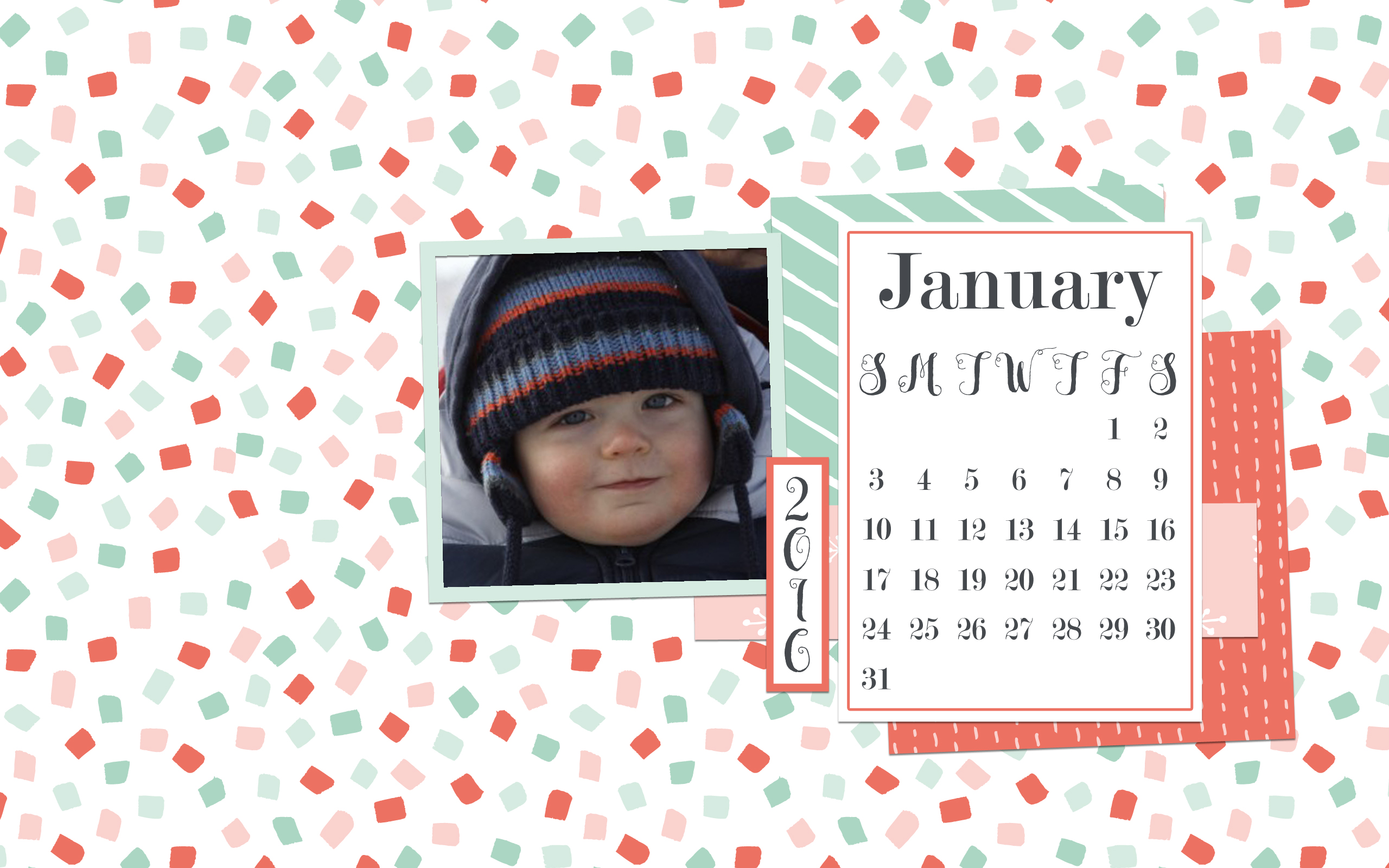
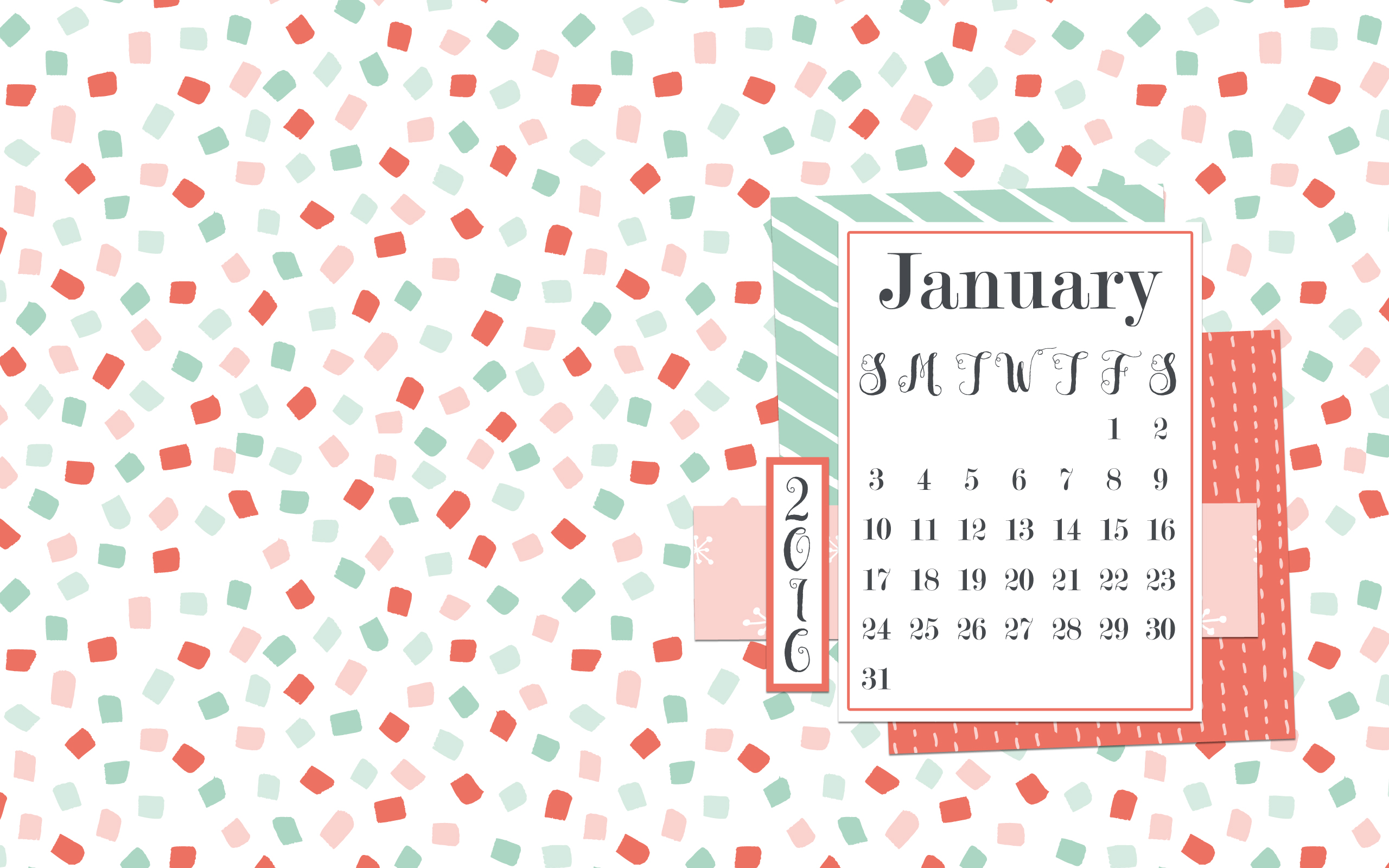
We offer a few different types of desktops. A basic one that is ready to go up right away and a more custom version where you can add your own pictures.
There are 2 different size desktops in the download, large and small. Based on the size of your computer monitor, one will fit a little better across your screen than the other. Try them out and see which one fits best.
Need more help? Check out our tutorials:
- How to install a computer desktop (instructions for both PC and Mac computers)
- How to put your own pictures in the custom computer desktop
Thanks!